Best for
Readers who want help with writing, planning, learning, and everyday knowledge-work friction.
Curated brain-training & logic apps for Android
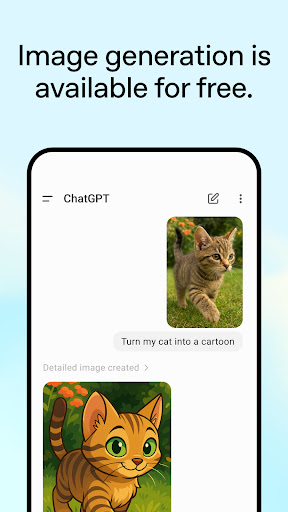
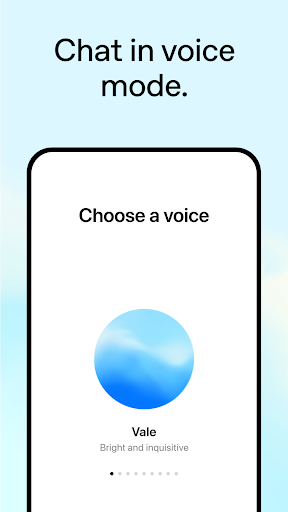
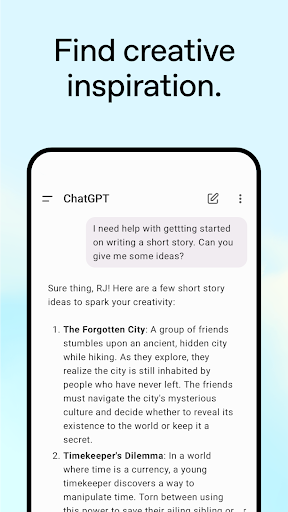
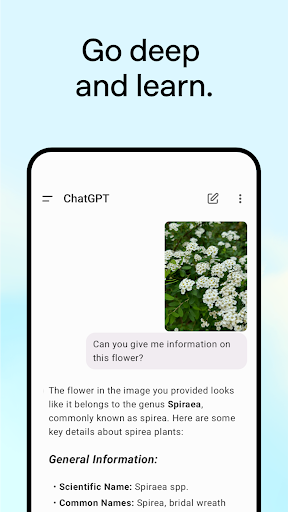
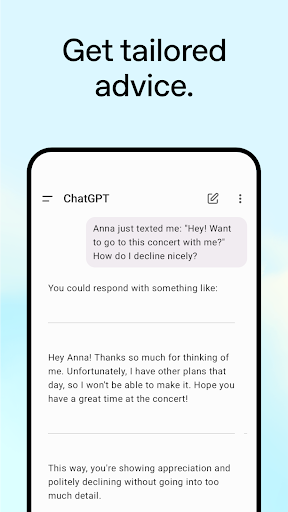
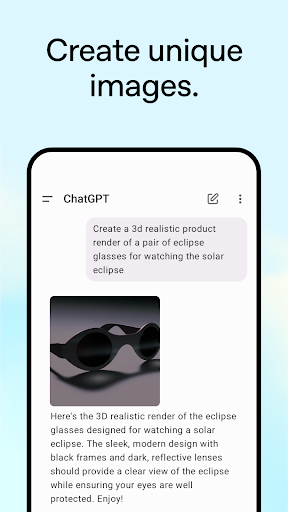
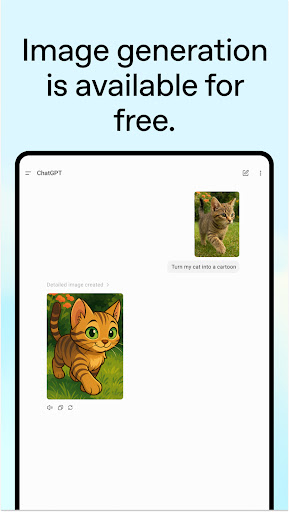
App icon and screenshots © OpenAI or the applicable rights holders. Displayed in limited form for identification and independent review. Source: official Google Play listing.
ChatGPT is a productivity pick when used as a thinking partner: drafting, summarizing, brainstorming, and turning vague work into a next step.
Readers who want help with writing, planning, learning, and everyday knowledge-work friction.
Users who need guaranteed factual accuracy without checking sources, or who plan to paste sensitive material without understanding data controls.
It is a major workflow tool and belongs in a productivity review set when framed around responsible use rather than hype.
Verify current plan limits, privacy settings, and whether the app supports the specific workflow you care about.
ChatGPT is most valuable when readers use it to think with them. Drafting, outlining, summarizing, comparing options, practicing explanations, and turning a vague idea into a next step are strong use cases. The official Android app makes that workflow portable. The mistake is treating every response as finished truth without checking it.
On a phone, productivity often breaks at the blank-page moment. ChatGPT can reduce that friction. A reader can dictate a rough note, ask for structure, rewrite a message, or explore a topic while away from a desk. That is different from a document editor or note database. It is interactive assistance at the moment work is forming.
The app should not be used blindly for legal, medical, financial, safety, or current factual claims. Readers should also understand privacy settings and avoid pasting sensitive material unless they know how their data controls work. ChatGPT can support judgment, but it does not remove the need for judgment. A good review must say that plainly.
Google Docs is where shared writing lives. Samsung Notes is fast capture on the right hardware. Notion is a structured workspace. ChatGPT is the conversational tool that helps generate, reshape, and examine material before it lands elsewhere. LogicAppGuide should recommend it for thoughtful workflows, not as a magic productivity shortcut.
The strongest mobile use is often small and immediate: clean up a rough message before sending, summarize a pasted note, brainstorm names for a project, turn a meeting thought into bullet points, or ask for a second angle while commuting. Those tasks are valuable because they meet the reader in the moment. LogicAppGuide should avoid hype and describe ChatGPT as a portable thinking aid whose output still needs review, editing, and source checks when facts matter.
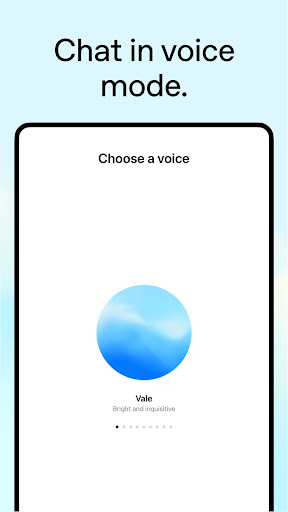
On a phone, typing long prompts can be a barrier. Voice interaction makes the app more useful for brainstorming, practicing explanations, or working through a thought while away from a desk. Readers should still review the output afterward. Spoken convenience helps capture ideas, but final judgment belongs in the user's editing pass.
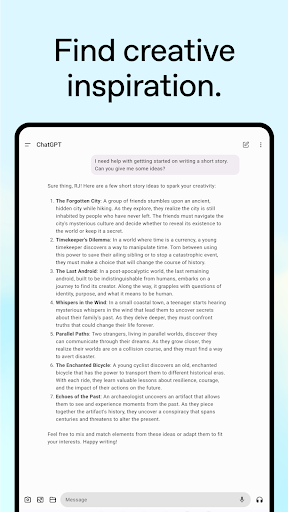
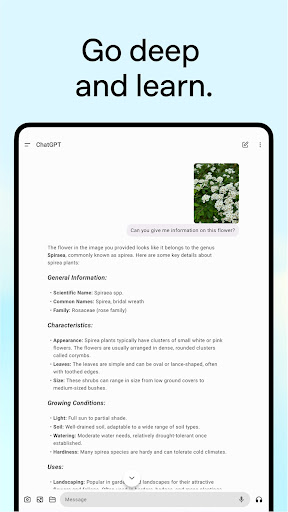
ChatGPT exposes Google Play screenshots in the public listing data. The review uses those images to judge readability, interface density, and whether the advertised experience is clear before a reader leaves for the store.
The public record used here is last updated 2026-02-27, with version 1.2026.048. This context frames the review, but it does not replace the page's install cautions or comparison notes.
ChatGPT is compared against nearby LogicAppGuide picks in Productivity, so the recommendation answers a reader-fit question instead of repeating a store ranking.
For Productivity readers, the review focuses on permission fit, account or privacy expectations, and whether the utility is worth installing alongside built-in Android options.
ChatGPT can be high value when the task has judgment around it: outlining, rephrasing, comparing options, or getting unstuck from a blank page.
The weak use case is outsourcing truth. Readers should still verify factual, legal, medical, financial, or current claims with appropriate sources.
We include it because productivity is increasingly about reducing cognitive friction, and this app is one of the clearest examples of that shift.
Review basis: Google Play listing metadata, screenshots, public rating signals, store feature claims, and LogicAppGuide category comparison.
ChatGPT is best reviewed as a thinking surface, not as an automatic answer machine. The official Android listing in the project data describes OpenAI's app with synced history, advanced models, voice interaction, image features, and help for everyday tasks. Those features matter, but the real productivity value is simpler: ChatGPT can help a reader turn vague thoughts into usable drafts, plans, summaries, questions, and next steps.
The strongest mobile use case is reducing friction. On a phone, productivity often breaks at the blank-page moment. A user has an idea but does not want to open a laptop. They need to reply to a message, outline a document, summarize notes, brainstorm names, translate a rough thought, or practice explaining something. ChatGPT can be useful in those moments because it responds conversationally and can reshape material quickly.
The app's public signal is enormous in the project data, with a very large install tier, a huge rating base, and recent maintenance. That supports its position as a major productivity tool. But popularity should not turn into uncritical trust. ChatGPT is powerful precisely because it can produce fluent output; that also means readers must review what it says. Fluent text can still be wrong, incomplete, outdated, or inappropriate for the situation.
The most important caution is responsibility. Readers should not rely on ChatGPT blindly for legal, medical, financial, safety, or current factual claims. They should verify important information with appropriate sources. They should also understand privacy settings and avoid pasting sensitive material unless they know what data controls apply to their account and plan. A good productivity workflow uses ChatGPT to support judgment, not replace it.
ChatGPT is strongest for people who write, plan, learn, research, or make decisions with language. It can help draft emails, compare options, create study questions, rewrite unclear text, summarize a note, generate a checklist, or explore a topic from multiple angles. It is weaker for users who expect guaranteed truth, final professional advice without review, or fully automated work that requires accountability.
The listing includes in-app purchases across a wide range, so readers should check current plan limits, model access, voice features, file or image tools, and whether the free tier supports their intended workflow. A user who only needs occasional rewriting may not need the same plan as someone who uses the app all day for work. The value depends on use frequency and task type.
Compared with Google Docs, ChatGPT is not primarily where final shared documents live. Compared with Samsung Notes, it is not a device-native notebook. Compared with Notion, it is not a structured workspace or database. ChatGPT is the conversational layer that can help create, reshape, and interrogate material before it moves into another tool. That makes it a distinct productivity pick rather than a replacement for every app in the category.
Voice interaction changes the mobile use case. Typing long prompts on a phone can be awkward, but speaking through an idea can make ChatGPT more useful for brainstorming, practicing explanations, or capturing thoughts while away from a desk. The output still needs review. Voice can capture momentum; editing and verification remain the user's job.
The Teen content rating is also worth noting for families, schools, and shared devices. AI chat can produce a wide range of content depending on prompts and settings. Readers should consider account controls, usage expectations, and whether the app is appropriate for the user in question.
The best prompts are usually tied to a concrete artifact. "Make this paragraph clearer," "turn these notes into a checklist," or "give me three ways to explain this idea" produce more useful work than vague requests to be productive. That is important for mobile use because the app shines in short bursts. Readers who learn to bring context, constraints, and a review step will get far more value than readers who expect the app to guess their goal.
Before installing, readers should define the workflow they want: writing help, study support, coding discussion, planning, brainstorming, voice practice, or general assistance. They should check current plan limits and privacy controls. If used thoughtfully, ChatGPT can be one of the most useful productivity apps on Android because it reduces cognitive friction. If used as a truth oracle, it becomes risky. The app is strongest when paired with human review.
ChatGPT should be reviewed as a thinking assistant, not a replacement for judgement. The mobile app can be useful for drafting, explaining, translating, planning, coding questions, and turning rough notes into clearer text. The quality of the result depends heavily on the reader's prompt, context, and willingness to check the answer.
Before using it for important work, readers should understand privacy settings, account requirements, model limits, and the need to verify factual claims. ChatGPT fits people who want a flexible assistant for language and reasoning tasks. It is not a safe fit for readers who need guaranteed legal, medical, financial, or technical accuracy without independent confirmation.