About this app
A work management and productivity app designed to help your team, monday.com brings you all the collaboration and project management features you need to succeed.
No. 1 Productivity App (2019 Webby Award Winner)
"Best team management and workflow system on the market"
Mark A. (verified G2 review)
“A winning combination of clever tools and accessible features.”
TechRadar review (2020)
monday.com is the visual workspace where teams get work done. Join 120,000+ teams who use monday.com to manage, track, and organize all their work.
Collaborate with your team for all assignments with easy to use controls and work together as an organized group.
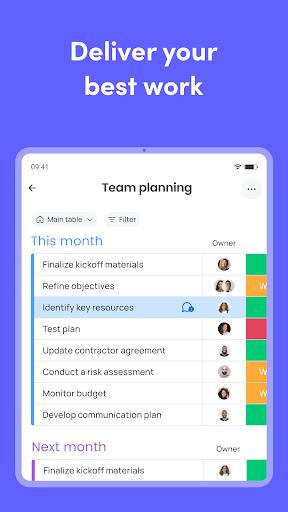
Be a project manager with ease. Organize and manage projects, tasks and teams from an intuitive interface. Team work takes no work with task planner and project schedule features, so you can make sure you’re on-track with quick charts, check-ins and deadline management.
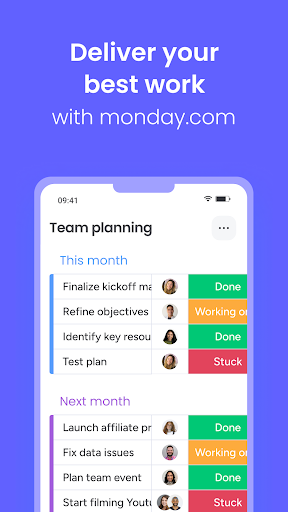
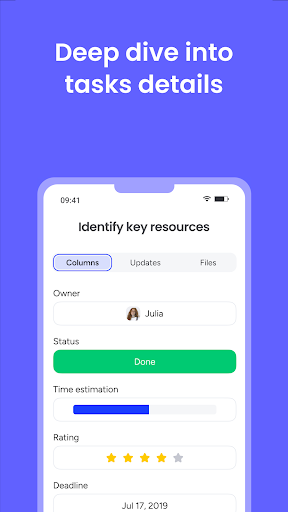
Task management is made easy with monday.com. Task lists are easy to adjust and assign to each team member. Watch the to-do lists of each employee change status in real time as they work on, complete or are stuck on projects.
Organization and tasks on monday.com are entirely customizable. Boost productivity by setting up your interface with the data and tasks you need, and easily organize everything to make it the solution for all your business needs.
See why more than 1200 people give monday.com 4.6 stars on G2:
★ PLAN, ORGANIZE AND TRACK ALL WORK
Work better as a team:
• Team management made easier
• Task management with a click of a button
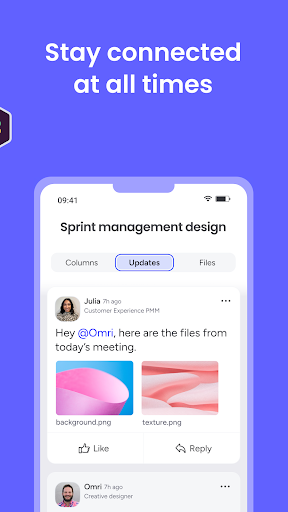
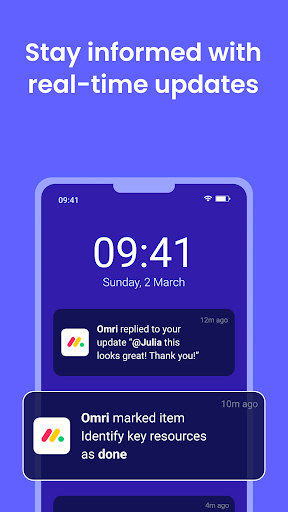
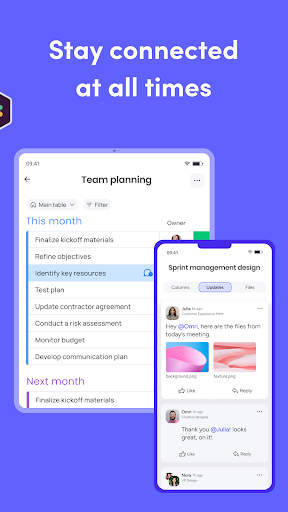
• Organize and keep everyone in the loop with real-time updates
• Collaborate and contact the right people (call or @mention)
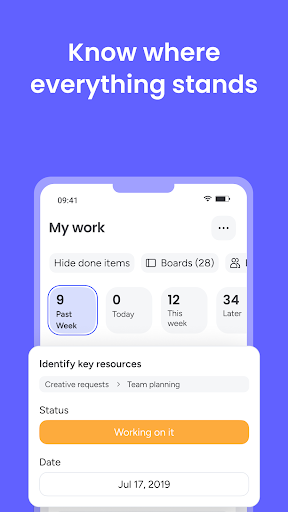
• Daily tasks and work can be viewed easily - see how they fit into the big picture
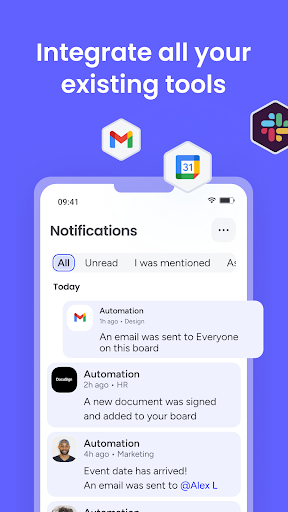
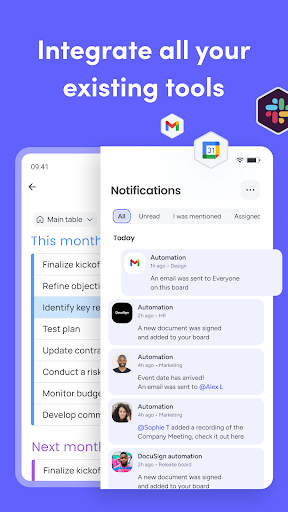
• Sync monday.com with your favorite tools
• Quick setup & adoption
★ MANAGE YOUR TEAMWORK VISUALLY
Use our intuitive and visual platform to manage teams, projects and processes easily:
• The work management platform designed to keep you organized
• Employee scheduling maintains organization and order in the team space
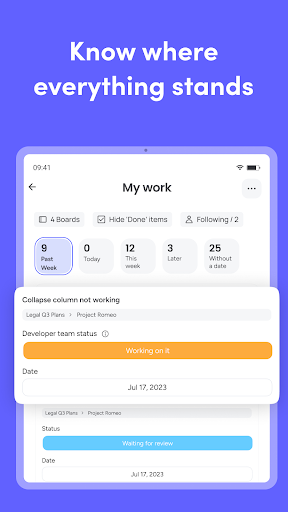
• The task tracker feature lets you know where things stand at a glance
• Track projects, time and progress
• Daily tasks and weekly tasks viewed easily with the use of various filters
• Visually analyze your data with multiple views
• Work time tracker to gauge how long it takes for your team members to complete each task
• A project management app designed for productivity and easy work management flow
• Create spreadsheets and charts, including pie graphs, Gantt charts and Kanban boards
• Filter to display only the information you need
• Assign task owners with ease
• Organize tasks and see who’s working on what
★ WORKFLOW OPTIMIZATION
Spend less time checking a general productivity app, and spend more time actually getting work done:
• Prioritize projects with custom notifications
• Automate repetitive work
• Access your work anytime, anywhere
• Pre-made templates and spreadsheets to give you a head start
• Sync data in real time
• Invite teammates to collaborate and view your progress
• Project management tools available with monday.com make every project easier
★ TEAM MANAGEMENT FOR ANY TEAM IN ANY INDUSTRY
Get started with 200+ templates or customize your own workflow:
• Task management made easy!
• Pick a template & edit any section
Editor's Take
Monday.com - Work Management sits at 4.7 stars across 44.3 thousand ratings on Google Play, and is still building an audience.
That score is hard to fake on a productivity app — it usually signals a tool that stays out of your way, does one thing well, and doesn't pepper you with upsells.
monday.com is the publisher behind this release; we'd suggest taking a quick look at their other titles on Google Play if the style clicks with you. The last visible update lands 2026-02-22, which is a small but useful signal that the team is still shipping fixes rather than treating the app as abandoned.
Who This App Is For
A quick read on the audiences this app tends to click with, based on its category, content rating and track record on Google Play.
- Family-friendly playersContent is rated Everyone, so it's a safe pick for shared devices.
- Power usersBuilt for people who want a focused utility, not a feed.
- Quality-first downloadersConsistently high ratings make this a low-risk trial, even at full volume on a new device.
- Free-tier explorersFree on Google Play, so you can trial the loop before deciding if it earns space on your home screen.
At a Glance
thumb_up What stands out
- Consistent high ratingsA 4.7-star average across 44.3 thousand ratings is a strong quality signal.
- Free to try on Google PlayNo upfront cost, so you can confirm the loop clicks before committing time or in-app purchases.
- Actively maintainedLast visible update 2026-02-22, suggesting the team is still shipping fixes.
- Known publisherPublished by monday.com — worth checking their catalogue for similar titles.
info Things to know
- Smaller user baseNiche community means fewer community guides — great for discovery, slower for help with edge cases.
- In-app purchases may applyFree-to-play economics are common in this category — open the Google Play listing to confirm the monetization model before committing.
- Check device compatibilityOlder devices or restricted regions sometimes filter out specific Google Play listings. Confirm on the official page before setting aside time.
Key Features
- ★ PLAN, ORGANIZE AND TRACK ALL WORK
- • Team management made easier
- • Task management with a click of a button
- • Organize and keep everyone in the loop with real-time updates
- • Collaborate and contact the right people (call or @mention)
- • Daily tasks and work can be viewed easily - see how they fit into the big picture
- • Sync monday.com with your favorite tools
- • Quick setup & adoption