About this app
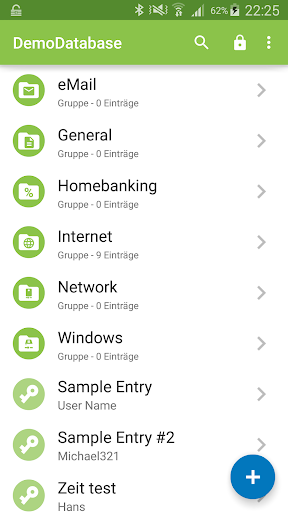
Keepass2Android is an open source password manager application for Android. It is compatible with the popular KeePass 2.x Password Safe for Windows and aims at simple synchronization between devices.
Some highlights of the app:
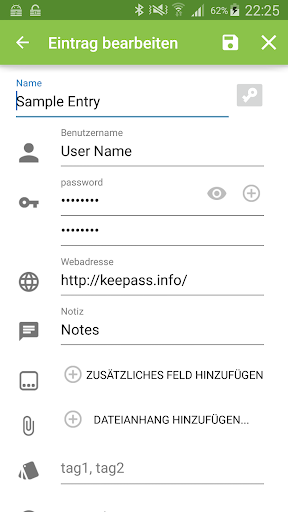
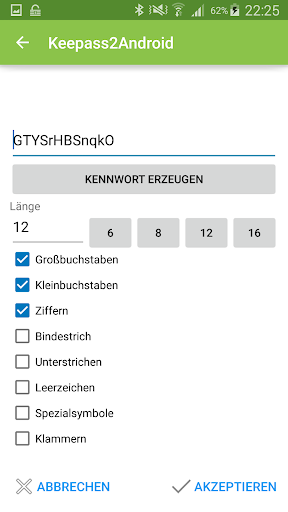
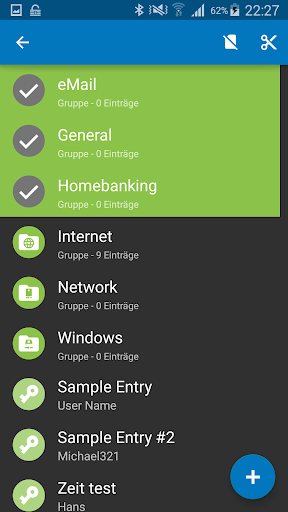
* Stores all your passwords in a securely encrypted vault
* compatible with KeePass (v1 and v2), KeePassXC, MiniKeePass and many other KeePass ports
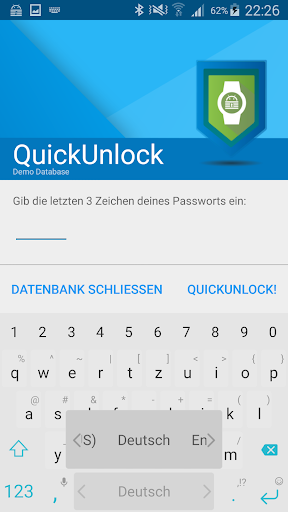
* QuickUnlock: Unlock your database once with your full password, re-open it by typing just a few characters - or your fingerprint
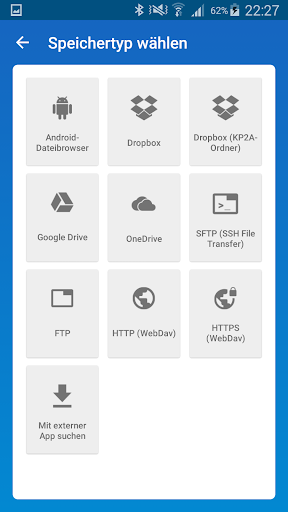
* Synchronize your vault using the cloud or your own server (Dropbox, Google Drive, SFTP, WebDAV and many more). You can use "Keepass2Android Offline" if you don't need this feature.
* AutoFill service and integrated soft-keyboard to safely and easily pass the passwords to websites and apps
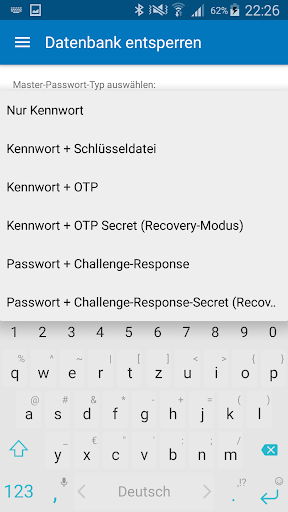
* Many advanced features, e.g. support for AES/ChaCha20/TwoFish encryption, several TOTP variants, unlock with Yubikey, entry templates, child databases for sharing passwords and more
* Free and Open-Source
Bug reports and feature suggestions:
https://github.com/PhilippC/keepass2android/
Documentation:
https://github.com/PhilippC/keepass2android/blob/master/docs/Documentation.md
Explanation regarding required permissions:
https://github.com/PhilippC/keepass2android/blob/master/docs/Privacy-Policy.md
Editor's Take
Keepass2Android Password Safe sits at 4.4 stars across 36.1 thousand ratings on Google Play, and is still building an audience.
A rating in this range tells us the core loop works for most players; the usual friction points are cosmetic or balance-tweak territory rather than anything fundamentally broken.
Philipp Crocoll (Croco Apps) is the publisher behind this release; we'd suggest taking a quick look at their other titles on Google Play if the style clicks with you. The last visible update lands 2025-11-26, which is a small but useful signal that the team is still shipping fixes rather than treating the app as abandoned.
Who This App Is For
A quick read on the audiences this app tends to click with, based on its category, content rating and track record on Google Play.
- Family-friendly playersContent is rated Everyone, so it's a safe pick for shared devices.
- Power usersBuilt for people who want a focused utility, not a feed.
- Free-tier explorersFree on Google Play, so you can trial the loop before deciding if it earns space on your home screen.
At a Glance
thumb_up What stands out
- Consistent high ratingsA 4.4-star average across 36.1 thousand ratings is a strong quality signal.
- Free to try on Google PlayNo upfront cost, so you can confirm the loop clicks before committing time or in-app purchases.
- Actively maintainedLast visible update 2025-11-26, suggesting the team is still shipping fixes.
- Known publisherPublished by Philipp Crocoll (Croco Apps) — worth checking their catalogue for similar titles.
info Things to know
- Smaller user baseNiche community means fewer community guides — great for discovery, slower for help with edge cases.
- In-app purchases may applyFree-to-play economics are common in this category — open the Google Play listing to confirm the monetization model before committing.
- Check device compatibilityOlder devices or restricted regions sometimes filter out specific Google Play listings. Confirm on the official page before setting aside time.