About this app
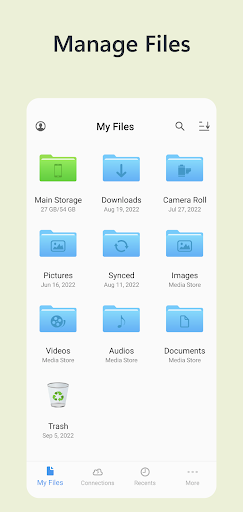
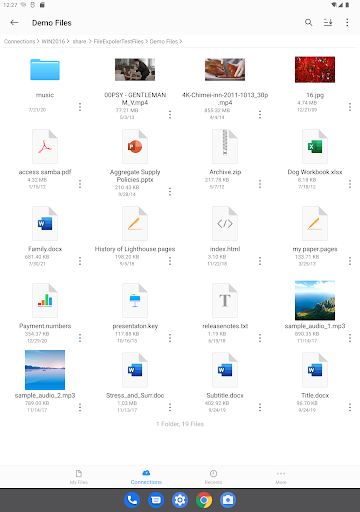
Owlfiles is a powerful file management app on mobile platforms and desktop platforms. It can access not only local files, but also files on your computer, NAS and cloud. Stream movies and music to your Android devices. Directly view and manage documents, photos on your computers, NAS and cloud without downloading.
FEATURES:
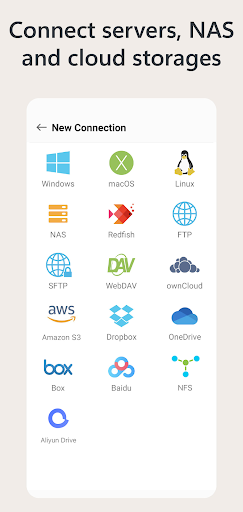
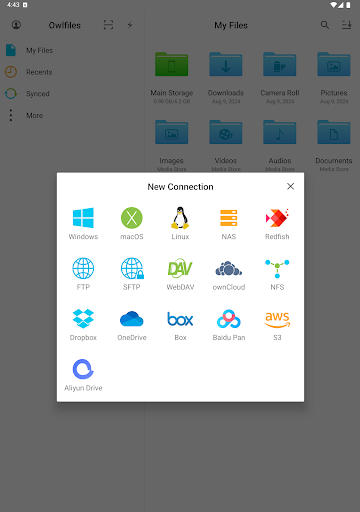
* Access network shares on PC, Mac, NAS via SMB protocol.
* Access NFS, WebDAV, FTP and SFTP services.
* Access OneDrive, Dropbox, Box, OwnCloud, Amazon S3 and S3 compatible storages.
* Access USB Drive and SD Card
* Automatically discover computers, servers and NAS when you setup a new connection.
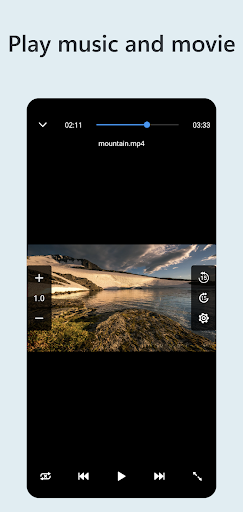
* Stream movies and musics from computer/NAS/cloud to Android device.
* View, rename and delete files.
* Add files to favorites.
* Show recent opened files.
* Dark Mode
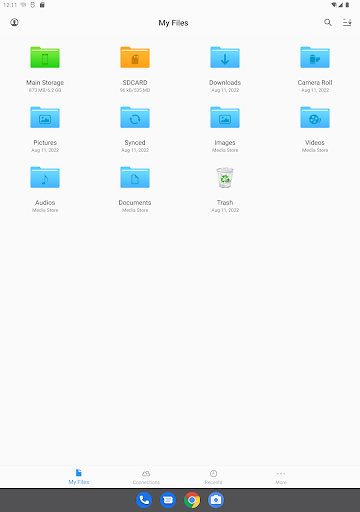
* Optimize UI for large screen devices: ChromeOS, Tablet and Android TV.
* File Transfer:
Copy and move files among computer, NAS, cloud, Android.
Transfer files by drag and drop.
Built-in FTP Server and HTTP Server for file transfer.
Nearby Drop: Transfer files between two nearby Android and iOS devices.
* Network Tools:
Ping a host
List all opened ports of a host.
List all devices on LAN
Wake-On-Lan (WOL)
===== Owlfiles Pro =====
FEATURES:
Create unlimited connections with your computers, NAS and cloud storages.
Sync connections to all your devices.
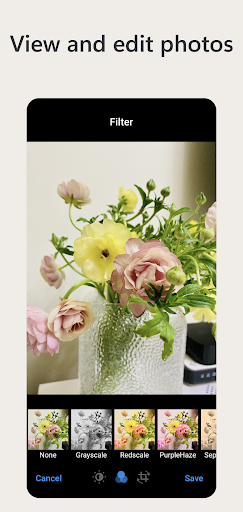
Edit photos
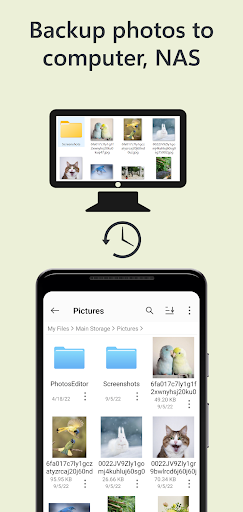
Backup photos to your computer, NAS and cloud storages.
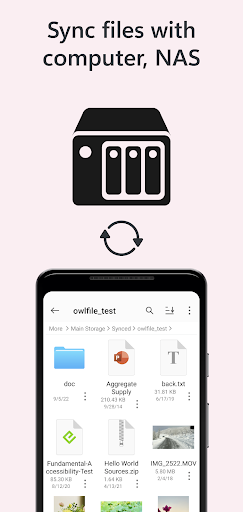
Sync files between Android device and computer/NAS/cloud storage.
Use Owlfiles on your mobile, desktop and TV platforms.
Privacy Policy: https://www.skyjos.com/owlfiles/privacy.html
Terms of Use (EULA): https://www.skyjos.com/owlfiles/terms.html
===== CONTACT US =====
Email: [email protected]
Twitter: @SkyjosApps
Facebook: @SkyjosApp
Editor's Take
Owlfiles - File Manager sits at 4.5 stars across 13.2 thousand ratings on Google Play, and is still building an audience.
That score is hard to fake on a utility app — it usually signals a tool that stays out of your way, does one thing well, and doesn't pepper you with upsells.
Skyjos Ltd. is the publisher behind this release; we'd suggest taking a quick look at their other titles on Google Play if the style clicks with you. The last visible update lands 2026-02-27, which is a small but useful signal that the team is still shipping fixes rather than treating the app as abandoned.
Who This App Is For
A quick read on the audiences this app tends to click with, based on its category, content rating and track record on Google Play.
- Family-friendly playersContent is rated Everyone, so it's a safe pick for shared devices.
- Power usersBuilt for people who want a focused utility, not a feed.
- Quality-first downloadersConsistently high ratings make this a low-risk trial, even at full volume on a new device.
- Free-tier explorersFree on Google Play, so you can trial the loop before deciding if it earns space on your home screen.
At a Glance
thumb_up What stands out
- Consistent high ratingsA 4.5-star average across 13.2 thousand ratings is a strong quality signal.
- Free to try on Google PlayNo upfront cost, so you can confirm the loop clicks before committing time or in-app purchases.
- Actively maintainedLast visible update 2026-02-27, suggesting the team is still shipping fixes.
- Known publisherPublished by Skyjos Ltd. — worth checking their catalogue for similar titles.
info Things to know
- Smaller user baseNiche community means fewer community guides — great for discovery, slower for help with edge cases.
- In-app purchases may applyFree-to-play economics are common in this category — open the Google Play listing to confirm the monetization model before committing.
- Check device compatibilityOlder devices or restricted regions sometimes filter out specific Google Play listings. Confirm on the official page before setting aside time.