About this app
Need a phone cleaner and file manager in one place? Don't worry this app has got you covered.
Storage Cleaner is an app that has:
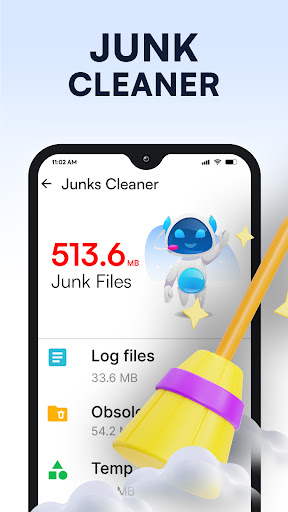
- Junk cleaner to clear all junk files.
- AI cleaner to clean large files and folders.
- App manager to view and manage large-size installed apps.
- File manager to manage all files and folders.
Junk File Cleaner
Phone cleaner is an advanced cleaner for Android devices to clean phones. The cleaner app can analyze your phone to remove junk, residual files, obsolete APKs, and temporary files. Temporary junk files are created on the device and take up storage space. Storage cleaner works as junk cleaner for Android phones. All junk and temporary files on the device can be scanned with junk cleaner. Users can clear junk files to clean phone memory and storage space.
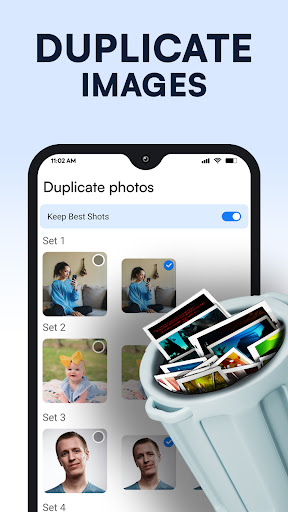
Delete Duplicate & Free up space
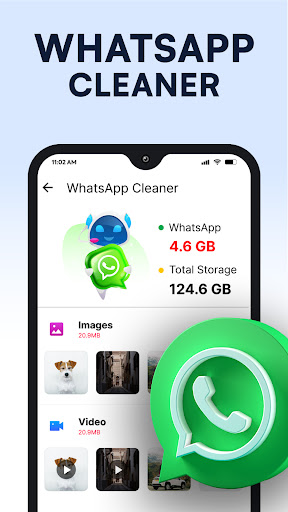
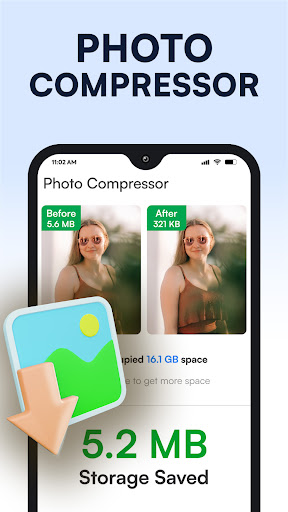
Phone Cleaner app monitors available storage on your device. Quickly assess remaining space and reclaim it by identifying outdated photos from chat apps, eliminating duplicate files, and more. Enjoy the simplicity of optimizing your device's storage and download the app now for a seamless experience.
Clean Up With AI
AI phone cleaner has an impressive AI cleaning feature. Its advanced AI algorithms detect and scan unnecessary data. Data scanned in AI-powered cleaning includes duplicate photos, old screenshots, large files, etc. AI cleaner scans and lists all the data in front of users that can be cleaned. Users can easily select and delete duplicate images and other unnecessary data with just a few taps.
Application control
The app management tool scans and lists all the applications installed on the device. Manage all your apps efficiently and find large apps easily. Users can also see the space all apps occupy on the phone.
File Manager
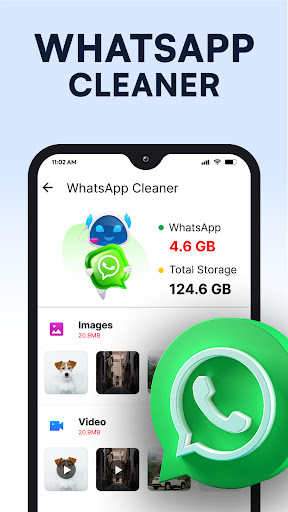
Save time searching for photos, videos, and documents on your phone. AI phone cleaner helps users find all kinds of files. The phone manager organizes all the files in their corresponding folders. Users can easily browse through all file categories in the phone cleaner.
Disclaimer:
* All information will be kept secure by the privacy and cookies policy.
* None of your personal data, username, or email address is stored or processed.
Privacy Policy Link: https://officemobileapps.blogspot.com/2022/09/privacy-policy_29.html
Junk cleaner is a helping tool to maintain device performance. If you have any questions or concerns, feel free to contact us through email.
Editor's Take
Phone Cleaner - AI Cleaner sits at 4.8 stars across 565.4 thousand ratings on Google Play, and is still building an audience.
That score is hard to fake on a utility app — it usually signals a tool that stays out of your way, does one thing well, and doesn't pepper you with upsells.
Brain Trust is the publisher behind this release; we'd suggest taking a quick look at their other titles on Google Play if the style clicks with you. The last visible update lands 2026-02-11, which is a small but useful signal that the team is still shipping fixes rather than treating the app as abandoned.
Who This App Is For
A quick read on the audiences this app tends to click with, based on its category, content rating and track record on Google Play.
- Family-friendly playersContent is rated Everyone, so it's a safe pick for shared devices.
- Power usersBuilt for people who want a focused utility, not a feed.
- Quality-first downloadersConsistently high ratings make this a low-risk trial, even at full volume on a new device.
- Free-tier explorersFree on Google Play, so you can trial the loop before deciding if it earns space on your home screen.
At a Glance
thumb_up What stands out
- Consistent high ratingsA 4.8-star average across 565.4 thousand ratings is a strong quality signal.
- Free to try on Google PlayNo upfront cost, so you can confirm the loop clicks before committing time or in-app purchases.
- Actively maintainedLast visible update 2026-02-11, suggesting the team is still shipping fixes.
- Known publisherPublished by Brain Trust — worth checking their catalogue for similar titles.
info Things to know
- Smaller user baseNiche community means fewer community guides — great for discovery, slower for help with edge cases.
- In-app purchases may applyFree-to-play economics are common in this category — open the Google Play listing to confirm the monetization model before committing.
- Check device compatibilityOlder devices or restricted regions sometimes filter out specific Google Play listings. Confirm on the official page before setting aside time.
Key Features
- - Junk cleaner to clear all junk files.
- - AI cleaner to clean large files and folders.
- - App manager to view and manage large-size installed apps.
- - File manager to manage all files and folders.