About this app
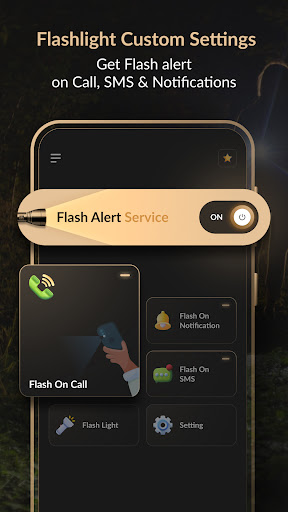
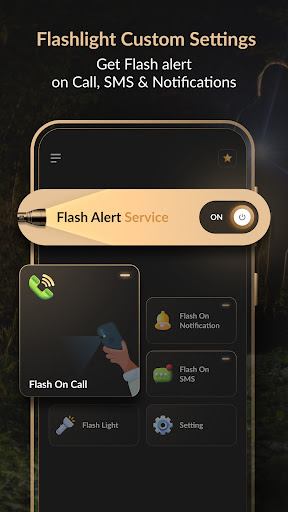
Get a handy flashlight, notification alerts and an LED display, all with customizable settings to meet your needs.
Features:
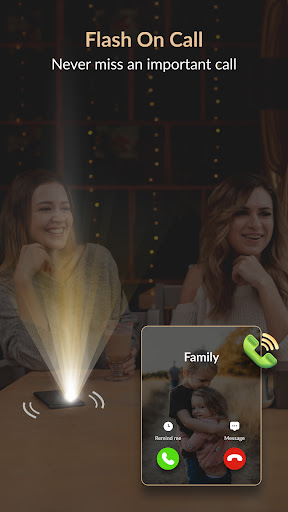
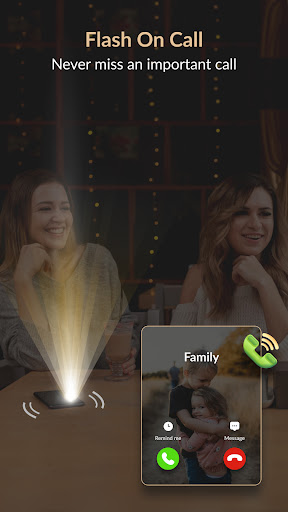
1. Flash on Call:
• Functionality: Activate the flash for incoming calls.
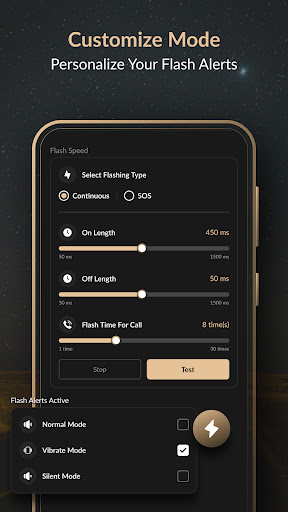
• Flashing Type: Choose between Continuous or SOS flashing.
• Customization: Adjust the flash on/off duration and test the flash settings.
• Modes: Select from Normal, Vibrate, or Silent modes to suit your environment.
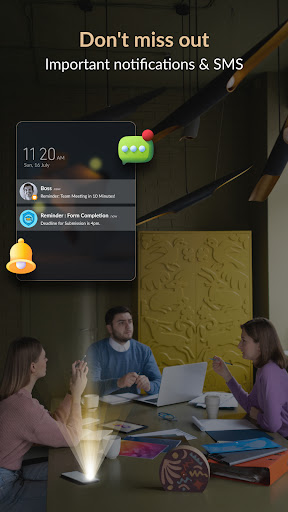
2. Flash on Notification:
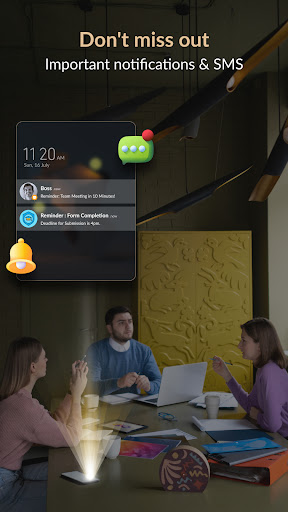
• Functionality: Get flash alerts for incoming notifications.
• Flashing Type: Choose between Continuous or SOS flashing.
• Customization: Adjust the flash on/off duration and test the flash settings.
• Modes: Select from Normal, Vibrate, or Silent modes.
• App Selection: Choose specific apps for which the flash will blink, ensuring you never miss important notifications.
3. Flash on SMS:
• Functionality: Activate the flash for incoming SMS messages.
• Flashing Type: Choose between Continuous or SOS flashing.
• Customization: Adjust the flash on/off duration and test the flash settings.
• Modes: Select from Normal, Vibrate, or Silent modes.
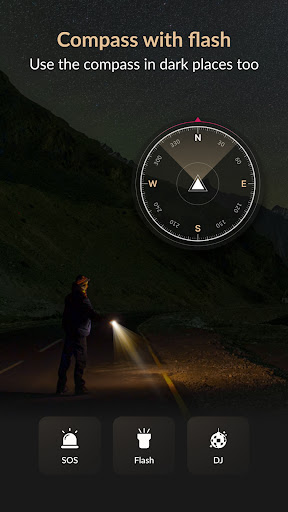
4. Flashlight:
• Functionality: Utilize a reliable flashlight for any situation.
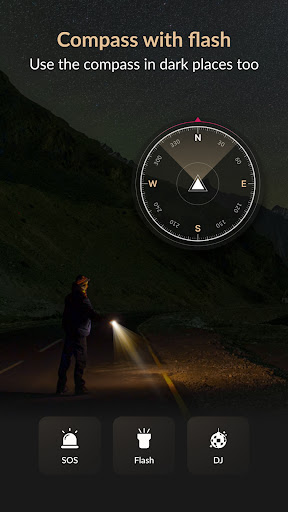
• Flash Types: Select from SOS or DJ flash modes for additional utility.
• Ease of Use: Simple on/off switch for quick access.
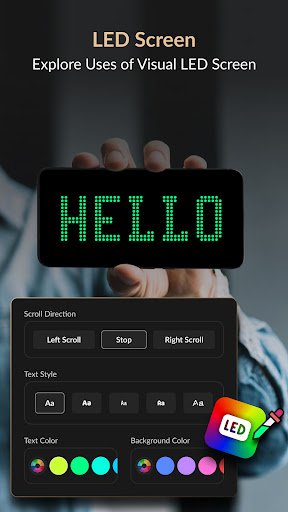
5. LED Display:
• Customization: Type any text and customize it with various styles, sizes, and colors.
• Background Color: Choose the background color to match your preference.
• Scroll Direction: Select the scroll direction (left, center stop, or right).
• Scroll Speed: Adjust the scrolling speed to your liking.
• Full Screen Mode: Display messages in full screen, ideal for emergencies, fun times, special occasions, or any creative use you can imagine.
Settings:
1. To Stop Flash:
• Oscillate Stop Flash: Shake the phone to stop the flash. Toggle this feature on/off as needed.
2. For No Flash:
• Screen Flash: Disable flash while using the phone. Toggle this feature on/off as needed.
• Battery Level: Set a battery level threshold to disable the flash when power is low.
3. Do Not Disturb:
• Schedule Flash Off: Set a timer to disable the flash during specific hours (e.g., from 10:00 PM to 7:00 AM). Customize this schedule according to your preferences.
Permission:
1.Phone State Permission: We require this permission to allow user to get flash alert for incoming calls.
2.Notification Permission :We require this permission to allow user to get flash alerts for notifications.
Download app now and customize your phone's flash functionalities with unmatched precision!
Editor's Take
Flashlight Custom Settings sits at 4.2 stars across 432 ratings on Google Play, and is still building an audience.
A rating in this range tells us the core loop works for most players; the usual friction points are cosmetic or balance-tweak territory rather than anything fundamentally broken.
JB Andro is the publisher behind this release; we'd suggest taking a quick look at their other titles on Google Play if the style clicks with you.
Who This App Is For
A quick read on the audiences this app tends to click with, based on its category, content rating and track record on Google Play.
- Family-friendly playersContent is rated Everyone, so it's a safe pick for shared devices.
- Power usersBuilt for people who want a focused utility, not a feed.
- Free-tier explorersFree on Google Play, so you can trial the loop before deciding if it earns space on your home screen.
At a Glance
thumb_up What stands out
- Well-received by its audienceSitting above 4 stars on Google Play means most players finish their first session satisfied.
- Free to try on Google PlayNo upfront cost, so you can confirm the loop clicks before committing time or in-app purchases.
- Known publisherPublished by JB Andro — worth checking their catalogue for similar titles.
info Things to know
- Smaller user baseNiche community means fewer community guides — great for discovery, slower for help with edge cases.
- In-app purchases may applyFree-to-play economics are common in this category — open the Google Play listing to confirm the monetization model before committing.
- Check device compatibilityOlder devices or restricted regions sometimes filter out specific Google Play listings. Confirm on the official page before setting aside time.
- Update cadence unclearNo recent update date surfaced here; look at the Google Play listing to confirm active maintenance.
Key Features
- • Functionality: Activate the flash for incoming calls.
- • Flashing Type: Choose between Continuous or SOS flashing.
- • Customization: Adjust the flash on/off duration and test the flash settings.
- • Modes: Select from Normal, Vibrate, or Silent modes to suit your environment.
- • Functionality: Get flash alerts for incoming notifications.
- • Flashing Type: Choose between Continuous or SOS flashing.
- • Customization: Adjust the flash on/off duration and test the flash settings.
- • Modes: Select from Normal, Vibrate, or Silent modes.